
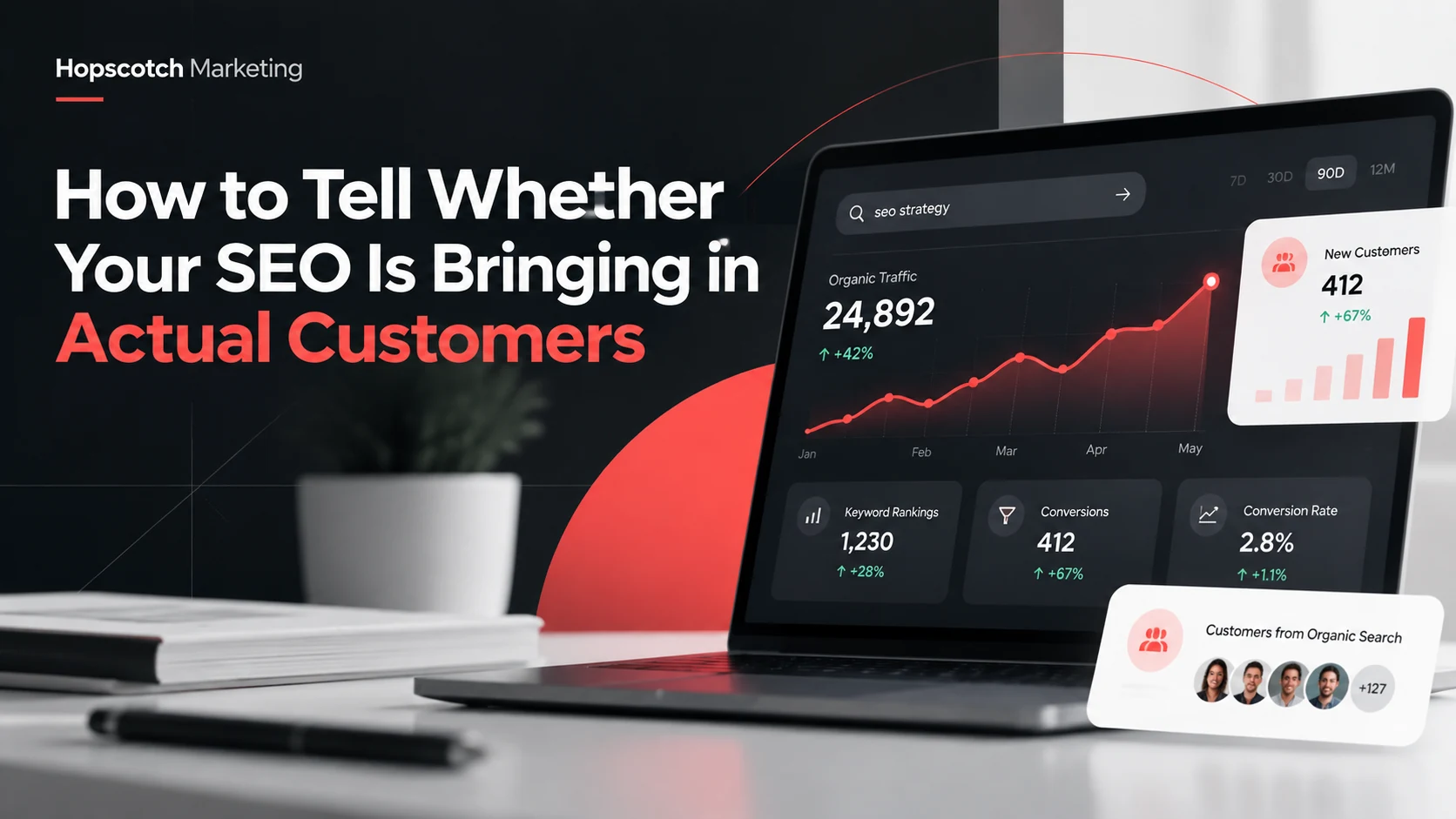
Your search rankings are improving. Website traffic is climbing. Your SEO report looks encouraging. But a more important question remains: Are those search visits turning into real customers? For a business owner, SEO should help attract people who need your services—not simply generate attractive charts.
That doesn’t mean every organic visit must become a sale. Someone might be comparing options, researching a problem, or planning a purchase months from now. The goal is to understand which searches and pages contribute to inquiries, qualified opportunities, and revenue over time.
1. Start with what a customer is actually searching for
Not all searches carry the same intent. A person searching “what does SEO mean?” may want general education. Someone searching “local SEO services for contractors” is more likely to be evaluating a provider. Both can matter, but they play different roles in your marketing.
Use Google Search Console to review the search queries and pages bringing visitors to your site. Look for topics connected to actual services, geographic markets, and customer problems. Group your queries into informational, comparison, and service-ready intent rather than judging them all by volume.
2. Understand the difference between impressions and visits
A search impression means your listing appeared in a search result. A click means someone chose to visit your website. An impression is an opportunity for visibility—not proof that you earned a lead.
Review impressions, clicks, click-through rate, and average position together. A page gaining impressions but few clicks may need a clearer title or may be appearing for searches that aren’t a strong match. A page with fewer visits but strong inquiries could be much more valuable.
3. Track actions that show business interest
Pageviews alone won’t tell you what visitors do after arriving. Identify actions that indicate interest in becoming a customer. Depending on your business, those may include completed contact forms, appointment requests, quote requests, calls, or qualified email inquiries.
- Track successful form submissions rather than just form views.
- Measure phone-number clicks where appropriate, while remembering a click isn’t necessarily a completed call.
- Separate newsletter signups and content downloads from true sales inquiries.
- Test tracking regularly so a form or tag change doesn’t silently break your reports.
Google Analytics 4 supports lead-related events, including generate_lead. Configure and verify events that reflect completed actions, then compare the activity with actual inquiries received. For technical reference, see Google’s guidance on setting up a key event.
4. Separate leads from qualified leads
A request for an unrelated service, a vendor solicitation, and a genuine prospect shouldn’t count the same. Create a simple qualification standard that fits your sales process: service needed, location served, budget or project fit, and reasonable timing.
For example, a regional roofing contractor could record whether an inquiry concerns a roof project in its actual service area. An insurance agency might distinguish independent agents interested in joining the network from consumers looking for an insurance quote. Quality becomes clearer when your reports include context.
5. Identify which landing pages generate inquiries
Many SEO dashboards report totals for the entire website. Useful decisions require a page-level view. Compare organic entrances and inquiries for service pages, city pages, educational articles, and the homepage.
A frequently visited blog post may introduce a future customer to your business. A service page may generate a smaller number of visits but more immediate contact requests. Internal links from an educational article to the appropriate service page help people continue that journey. Our SEO services approach emphasizes this connection between visibility and useful next steps.
6. Connect inquiries to actual sales conversations
Marketing analytics can show where an online inquiry began; a CRM, call log, or basic spreadsheet can show what happened next. The handoff between those systems is where many reports lose the real story.
- Record inquiry date, lead source, and service of interest.
- Mark whether your team responded and whether the lead was qualified.
- Track whether an estimate, consultation, or proposal resulted.
- When practical, record closed-won revenue while protecting customers’ private information.
Don’t assume every customer came from one channel. Someone may discover you through search, read reviews later, and finally call after seeing your brand elsewhere. Treat attribution as a decision-making aid, not a perfectly complete accounting system.
7. Compare trends across a meaningful period
SEO results can move with seasonality, changes in search behavior, competition, and how people use the web. A single week doesn’t tell the full story. Compare similar time periods, annotate major website changes, and track both leading indicators—visibility and visits—and business outcomes such as qualified inquiries.
Use a consistent monthly scorecard: organic clicks, relevant landing-page visits, completed inquiries, qualified leads, and known customers. Explain what changed and what action you recommend next. That’s much more useful than a long list of rankings without interpretation.
A simple SEO scorecard to request every month
- Which services and locations are attracting relevant search traffic?
- How many completed inquiries came from organic visits?
- How many of those inquiries were qualified?
- Which pages assisted conversions or need improvement?
- What change will be tested or implemented next month?
The bottom line: More traffic can be encouraging, but more of the right traffic—and a clear path to becoming a customer—is the better measure of SEO progress. If you want reporting that connects search activity to business goals, explore our local SEO services or talk with Hopscotch Marketing about your current setup.