
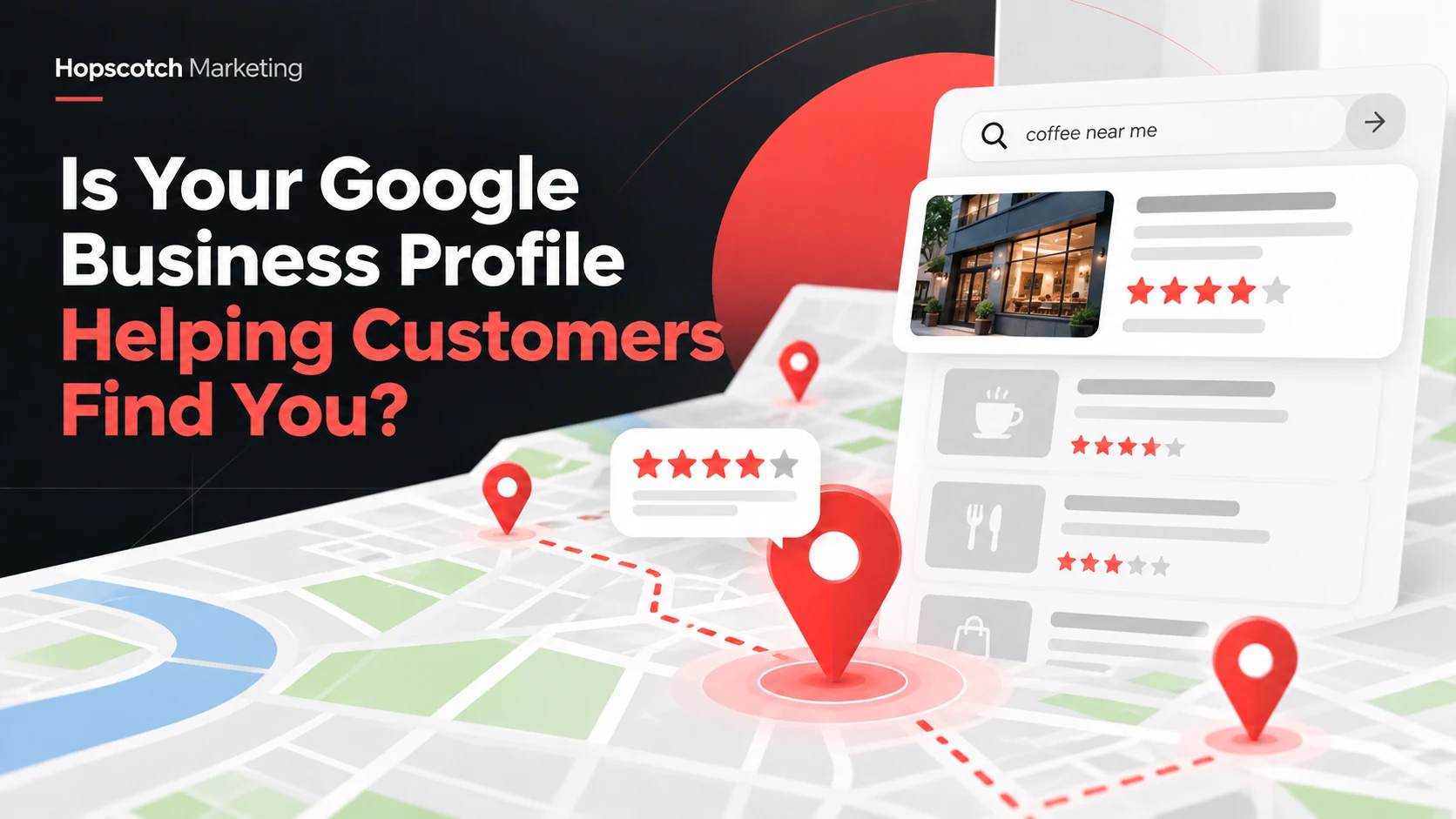
For many local businesses, a potential customer encounters a Google Business Profile before ever reaching the company’s website. They may compare hours, scan reviews, check service areas, tap for directions, or call directly from the search results. That makes your profile an important part of the customer experience—not simply an online directory listing.
But having a claimed profile doesn’t automatically mean it’s doing a good job. Here’s how to assess whether yours helps nearby customers understand what you offer and take the next step.
Make sure the basics are accurate and complete
Begin with your business name, primary category, address or service-area setup, phone number, website, and hours. Customers may act on this information without ever clicking through to your site, so errors can create real frustration.
Choose categories that accurately describe what the business is, not every service you would like to advertise. Review the services and attributes available to your profile type and make sure they reflect what customers can actually request. If you’re a service-area business and your address isn’t a customer-facing storefront, use the appropriate service-area configuration.
- Confirm that the phone number routes to someone who can help.
- Make sure your website link opens the most useful page.
- Keep holiday and special hours updated.
- Review whether listed services and service areas are accurate.
- Use a description that explains your work clearly, without exaggerated claims.
Check what a customer sees in search and on Maps
Search for your brand and important services from relevant areas, keeping in mind that search results differ by location, device, and person. Look at the profile as a customer would: Are the images current? Are the hours clear? Is the service description understandable? Does the primary action make sense?
If you use appointment or service links, test them. A profile can attract attention but fail at the final step if a booking page is outdated or a phone number is incorrect.
Use photos that build confidence
Original, current images can help explain your business. For a contractor, examples may include legitimate project photos and team images. For a professional-services firm, useful images might show the workspace, people, or the type of collaboration clients can expect.
Choose photos that accurately represent your business; avoid stock images presented as customer work. Review the available profile image categories and make sure your cover photo and logo are recognizable at small sizes.
Take reviews seriously—and respond thoughtfully
Reviews often help people decide which provider to contact. Invite feedback from customers through legitimate review requests, and respond professionally when appropriate. Avoid offering incentives in exchange for reviews or suggesting customers must leave a positive rating.
A response to a critical review should be calm and specific without disclosing private customer details. Even when you can’t resolve the issue publicly, you can demonstrate that the business takes feedback seriously.
Publish useful updates, but don’t confuse activity with a ranking guarantee
Google Business Profile updates can highlight timely information, educational articles, or relevant business news when that feature is available for your profile. Each update should have a genuine purpose—for example, helping homeowners understand a seasonal service or answering a question about a common business problem.
There is no credible promise that posting every day will automatically raise your local ranking. Google’s published guidance describes local results as mainly influenced by relevance, distance, and prominence. Accurate information and a strong overall business presence matter more than chasing a particular posting frequency. See Google’s explanation of local ranking factors.
Measure meaningful customer actions
When available for your profile and account, review interactions such as website clicks, calls, directions, and how people discovered the profile. These indicators tell different stories: a direction request may matter greatly to a storefront, while a service-area provider may care more about qualified calls and website inquiries.
Don’t equate a phone click with a booked customer or a direction request with a completed visit. Compare profile interactions against call handling, contact-form submissions, and actual sales conversations when possible. Also watch for changes in seasonality and business hours before drawing conclusions from a single month.
A practical monthly Google Business Profile checklist
- Review accuracy of categories, hours, phone, services, and service areas.
- Inspect reviews and address legitimate customer concerns.
- Refresh images when you have meaningful new material.
- Post a relevant update when it benefits customers.
- Check reported interactions and connect them to actual inquiries.
- Document the next improvement instead of changing multiple settings without a plan.
A well-managed profile should answer questions, reduce confusion, and help customers contact the right business. If you want your website and profile working together as one clear customer journey, see our Local SEO and Google Business Profile services, or contact Hopscotch Marketing to discuss your goals.